Shopify Setup
Shopify is a widely used platform for creating your own e-commerce site. Configuring it to list your items on all sites (eBay, Delcampe, Hipstamp, Hippostcard, Hipcomic, Oldthing, Abebooks) requires a few one-time steps before you can start publishing with our service.
Note: If you think these steps are too complicated for you, please contact us. We'll take care of the entire setup for free.
Creating the Connection App
Dal pannello di controllo di Shopify, scegliete "Impostazioni"
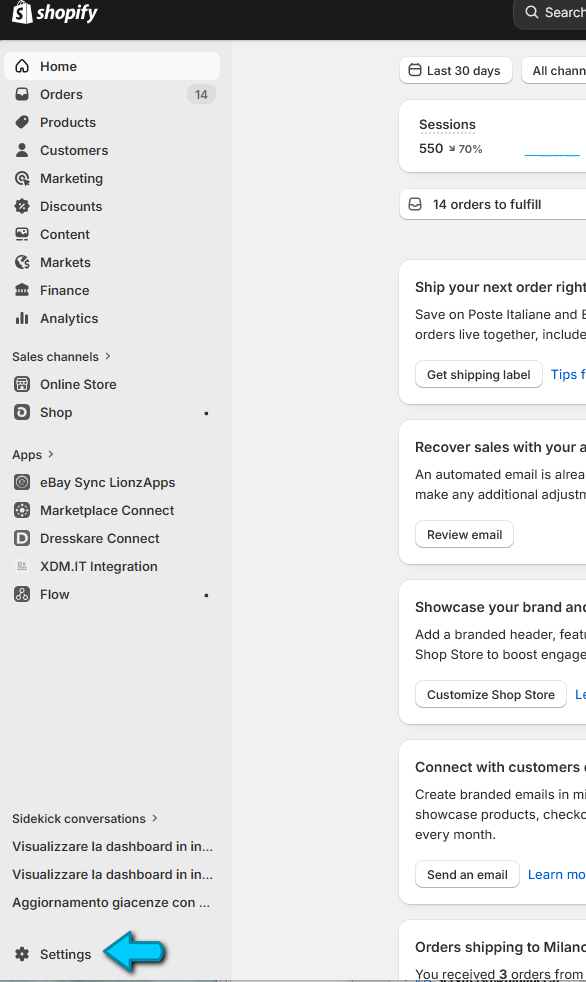
Click on Apps
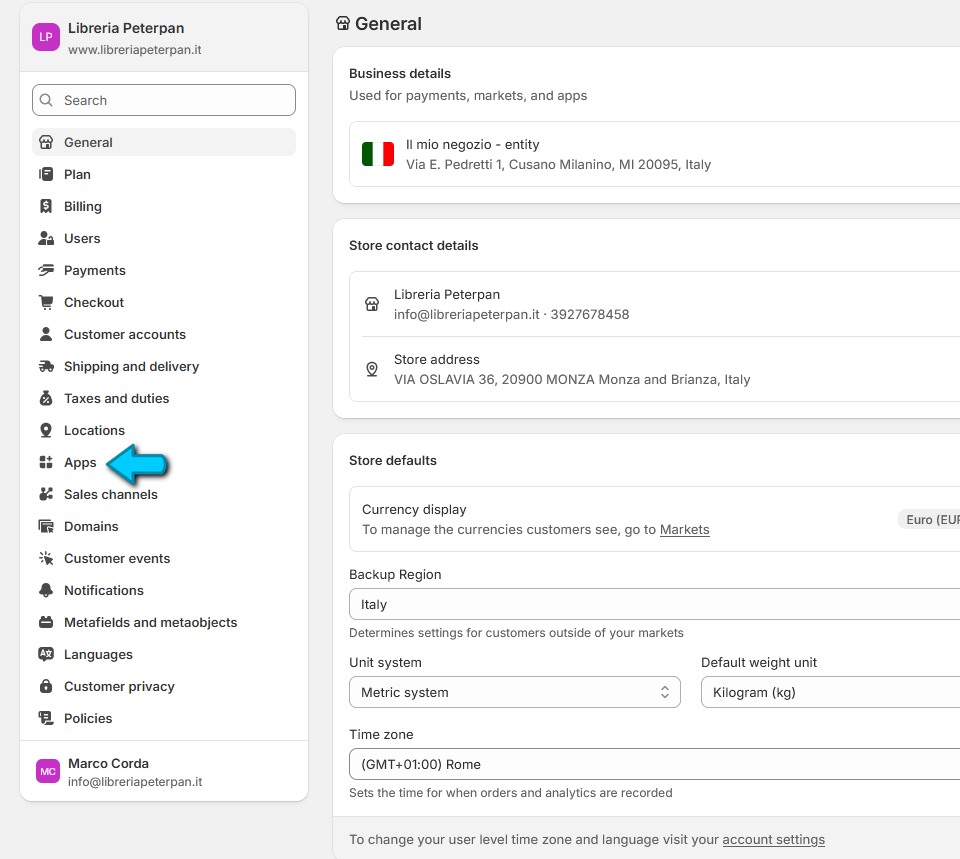
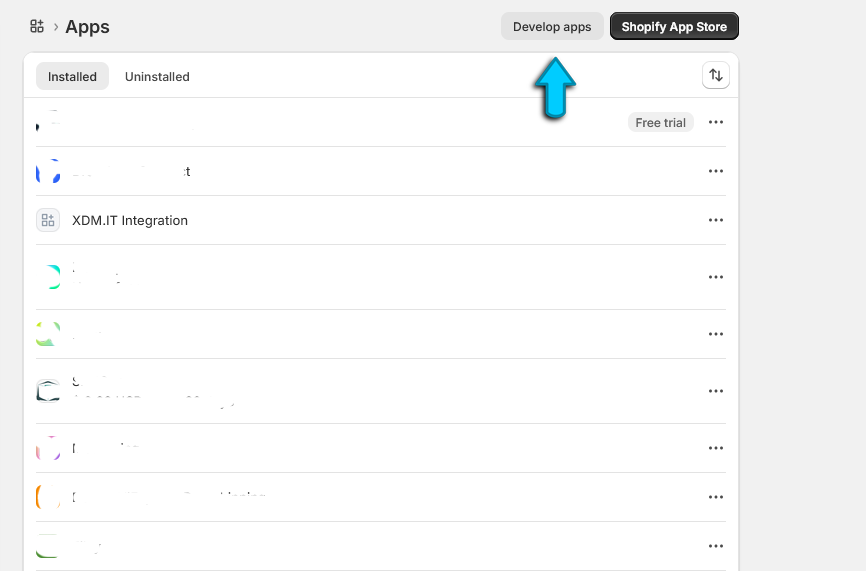
Click on "Develop apps"
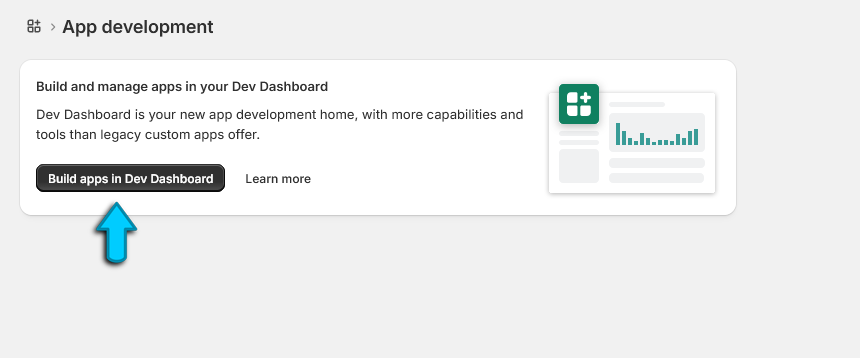
Click on "Build apps in Dev Dashboard"
Click on the button "Create app"
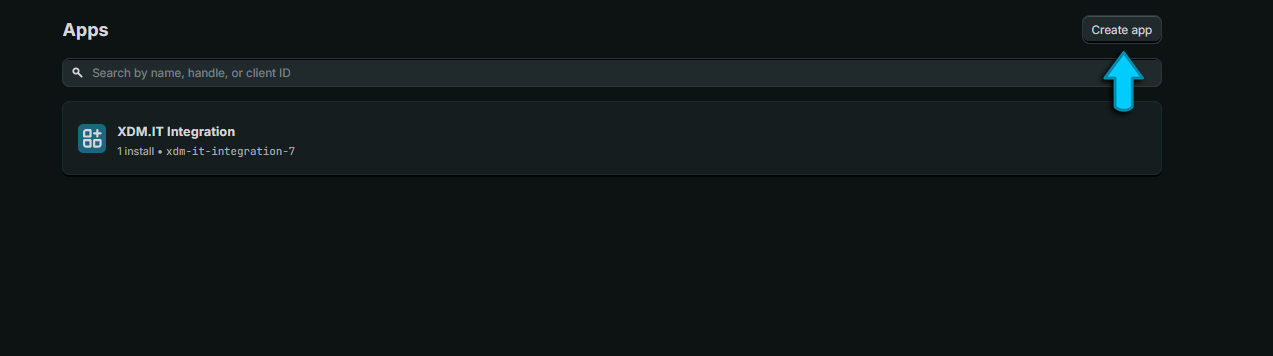
In the window on the right, enter a title, for example "xdm.it connection" and click on the "Create" button"
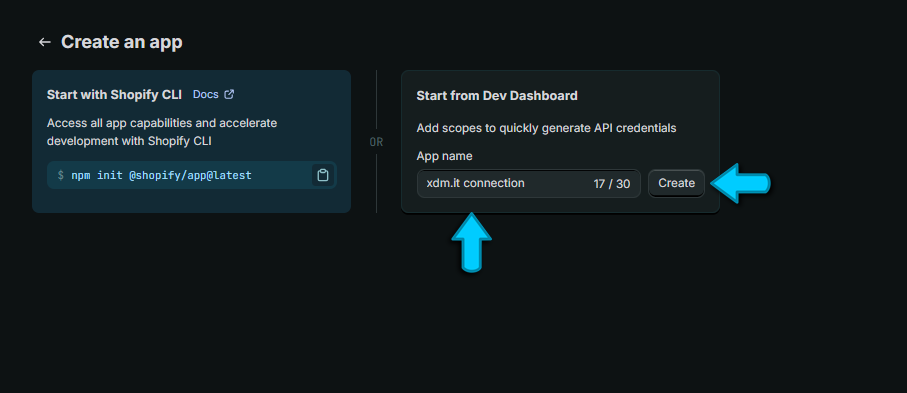
On the field App URL copy this link:
https://xdm.it/callback/sh.php (Click on the button on the side to copy it)
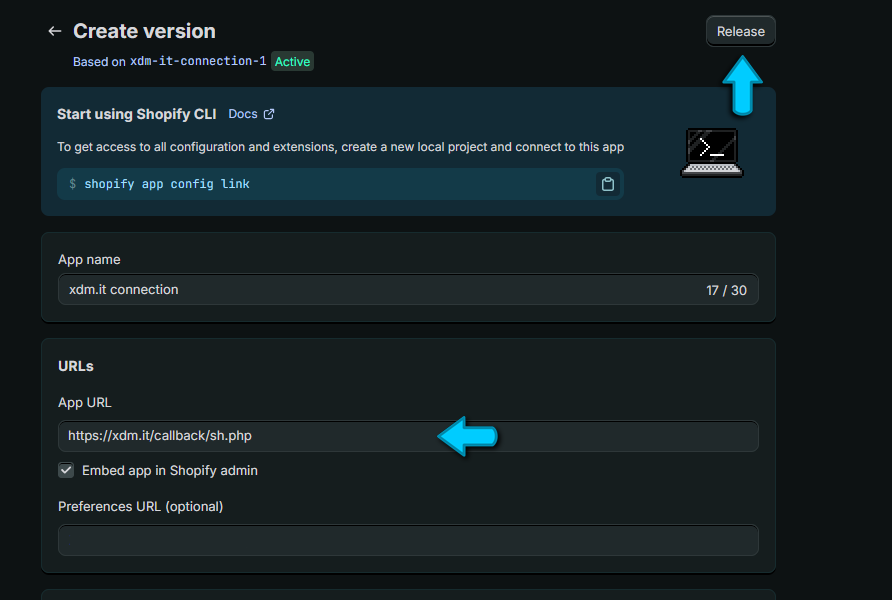
On the field Scopes put this text:
read_locations,read_markets_home,write_customers,write_inventory,read_inventory,write_orders,read_customers,read_all_orders,
read_assigned_fulfillment_orders,read_draft_orders,read_merchant_managed_fulfillment_orders,
read_online_store_navigation,read_online_store_pages,read_order_edits,
read_orders,read_product_feeds,read_product_listings,read_products,write_products,read_content,
read_store_credit_account_transactions,read_store_credit_accounts,read_third_party_fulfillment_orders,
customer_read_draft_orders,customer_read_orders (Click on the button on the side to copy it)
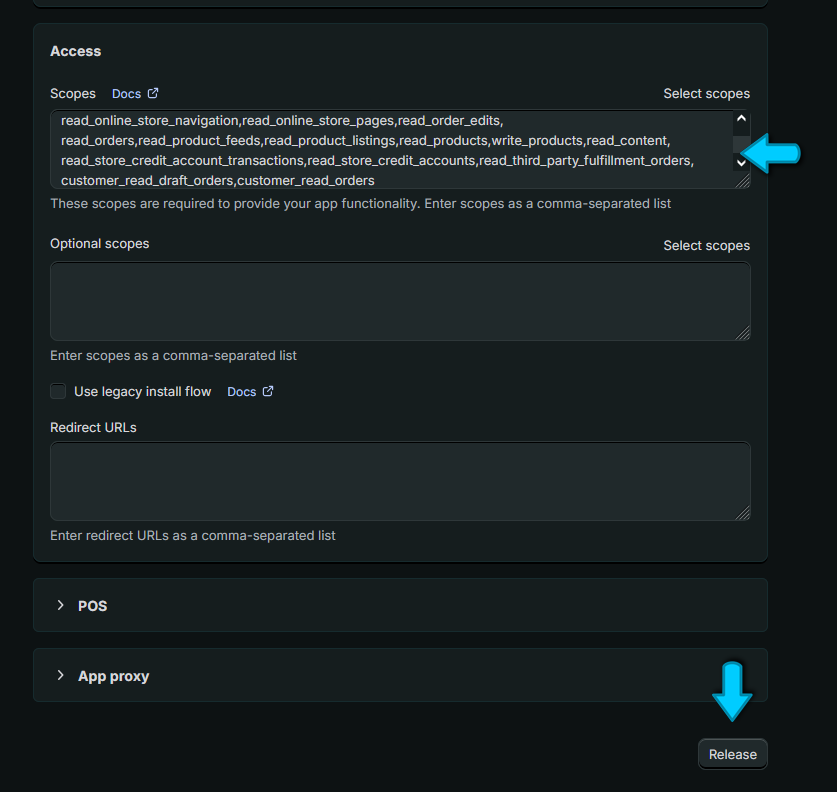
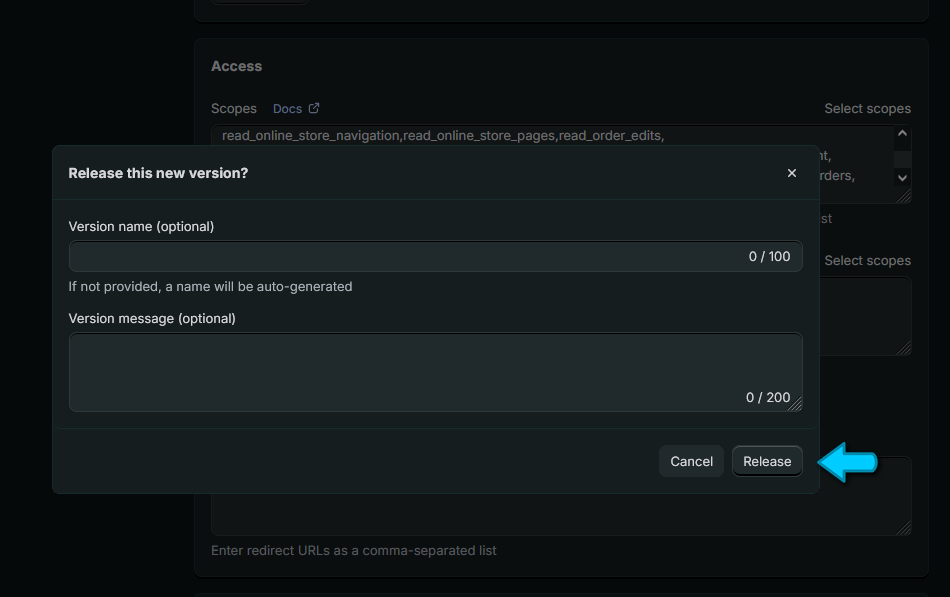
then click on the button Release
Confirm the creation of the app by clicking the button Release again.
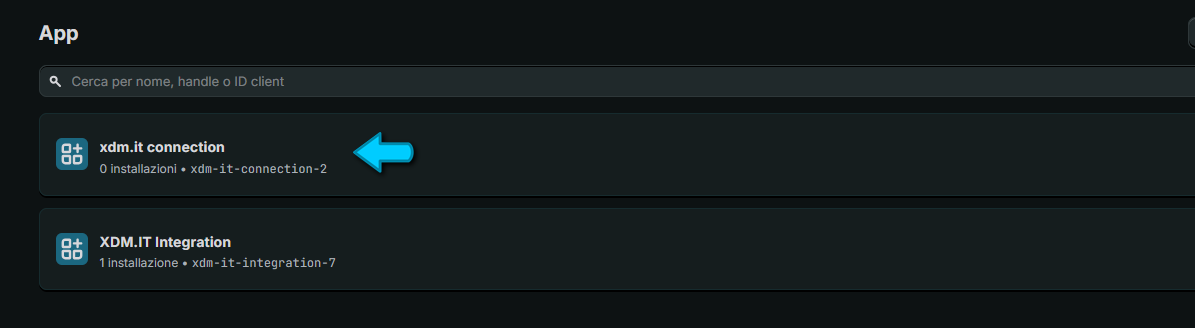
At this point, we need to install the app. Click on the name of the app you created:
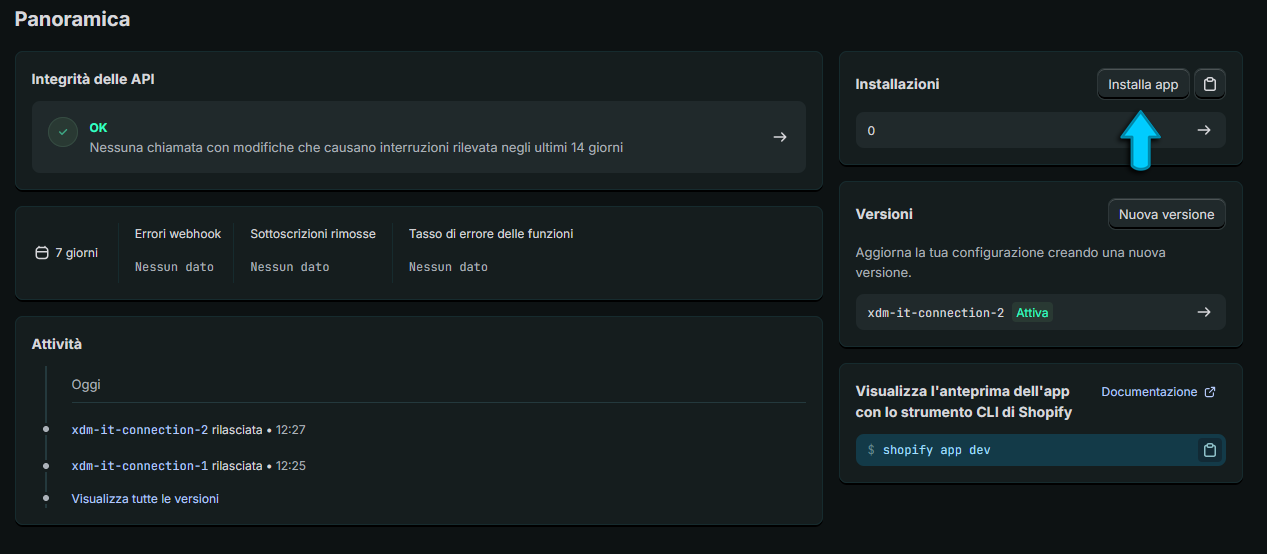
Click on the button Install
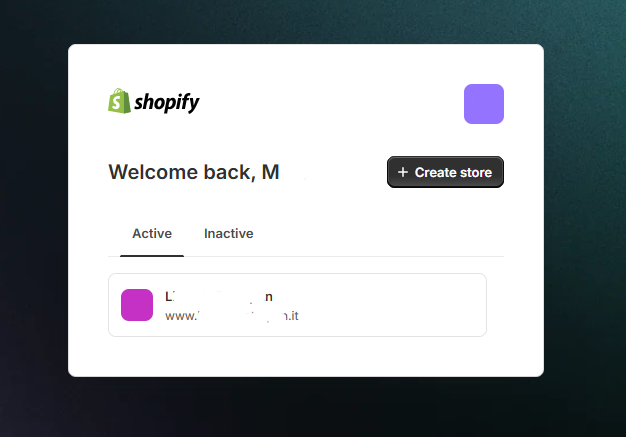
We will be asked on which store we want to install the app and we choose the active store
Now we need to enter this data into the xdm.it panel to allow our system to connect to the Shopify store:
Client ID
Secret
Store Name
API Version
on the xdm.it dashboard so that we can manage products, orders and inventory completely automatically on Shopify.
Clikc on Settings
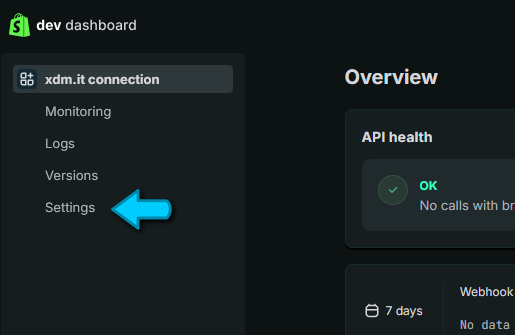
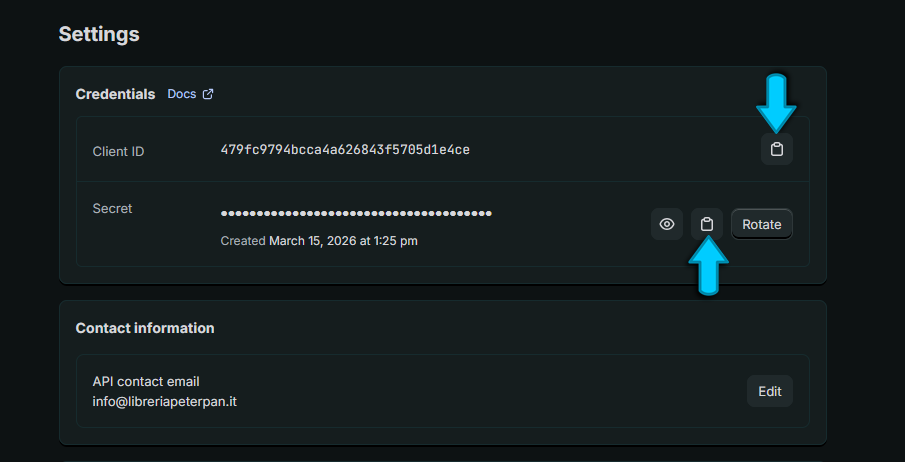
The data is located in different windows, the procedure to find them is given below
Now into another window we open the xdm.it dashboard (https://xdm.it/admin), on Tools click on Manage Shopify API Keys
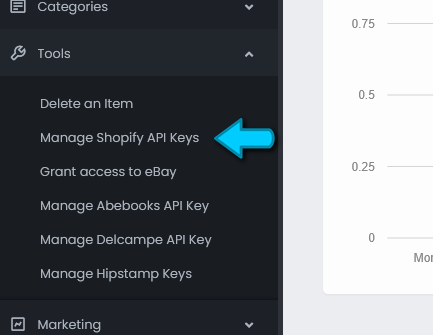
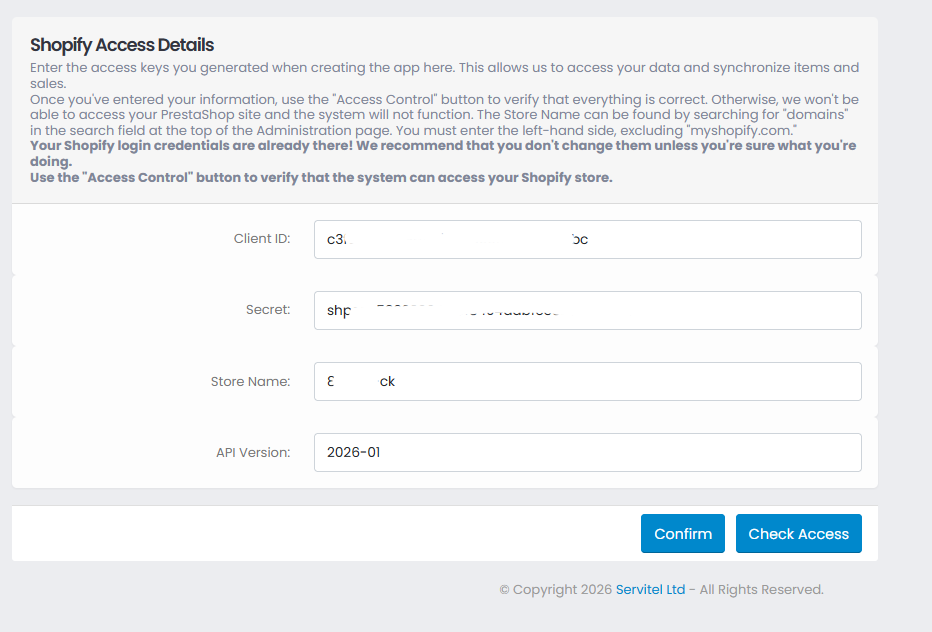
In the Shopify window, click on the button indicated by the arrow to copy the first two data items (one at a time) and paste them into the xdm.it panel.
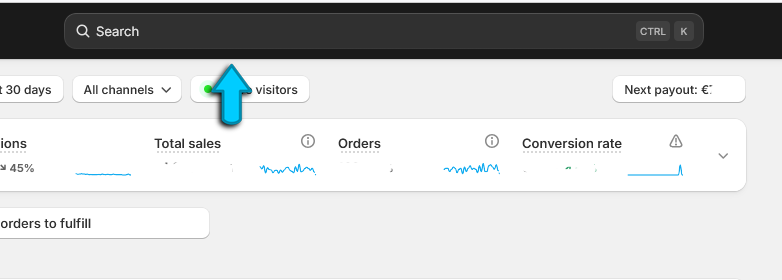
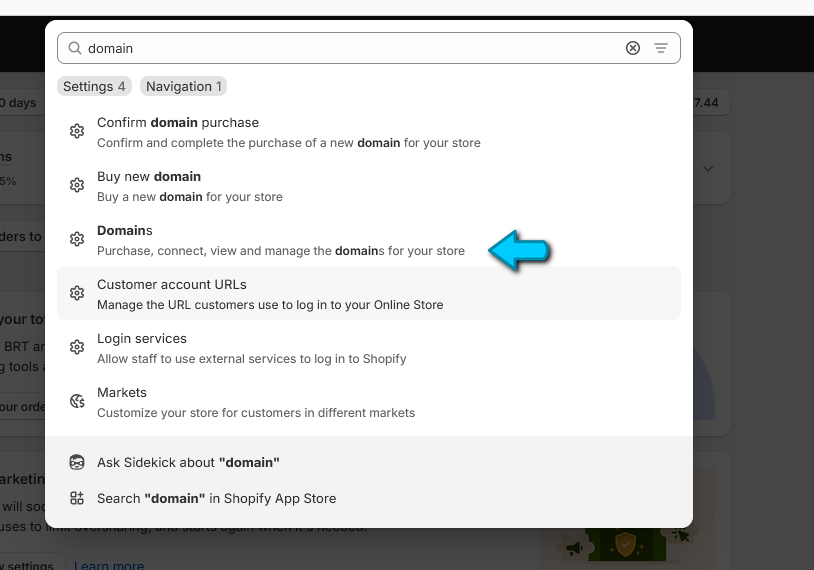
The name of the store can be found in the main Shopify control panel by typing "domain" in the search function at the top.
From the results windows click on Domains
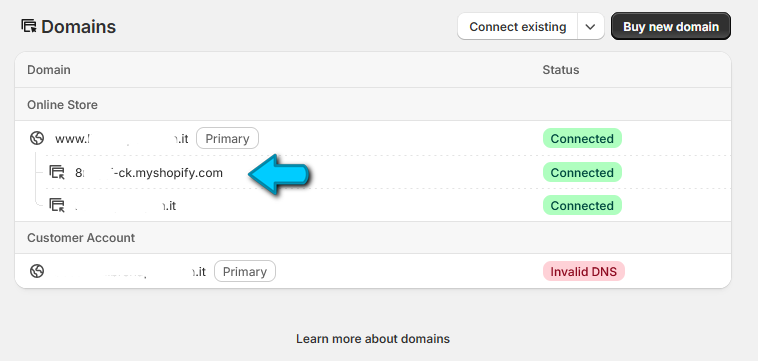
You need to copy the left part of the store that has .myshopify.com as its entry. For example, if you see 8cfmgfd-ck.myshopify.com, the store name to indicate in the control panel
on xdm.it is 8cfmgfd-ck
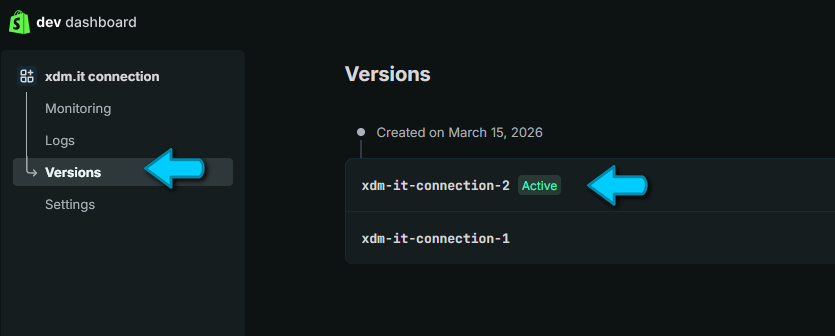
The app version can be found under Versions in the panel where you created the app.
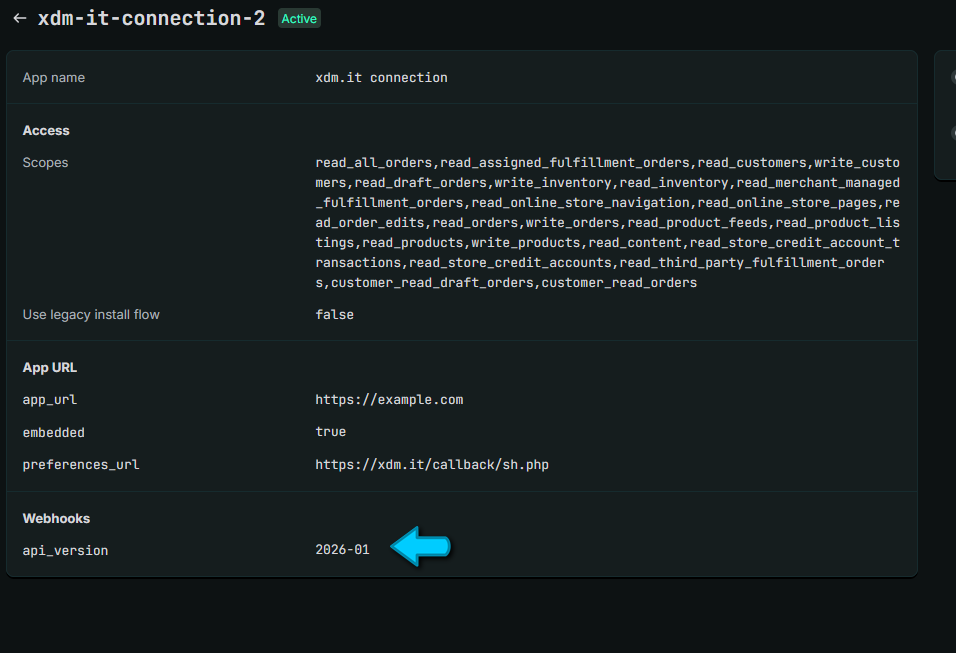
Once you've entered all the information, click the Confirm button on the xdm.it panel to save your details. For security, after saving your details, click the
Access Control button to verify that all the information is correct.
Grant Access to eBay
To list items and receive orders, we need you to grant us access to eBay. To do this, eBay generates a "token" that uniquely identifies you. From the "Tools" menu, select "Grant Access to eBay":
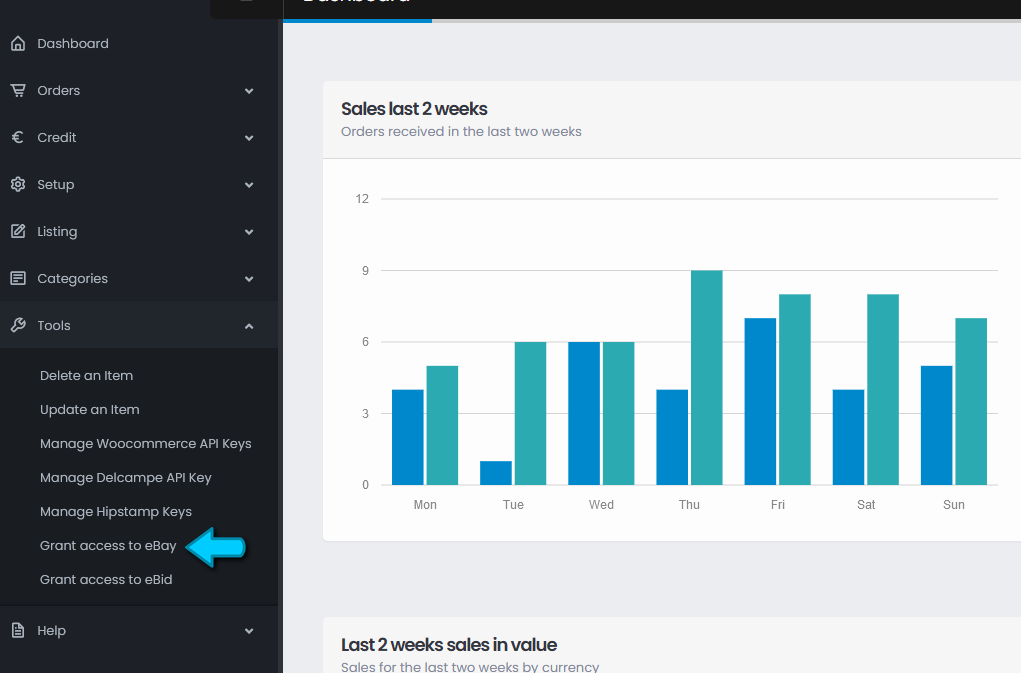
Click the "Grant Access" button: you will be taken to the eBay website where you will need to log in with your usual eBay details and then click "I Agree" or "I Accept" to grant us access.
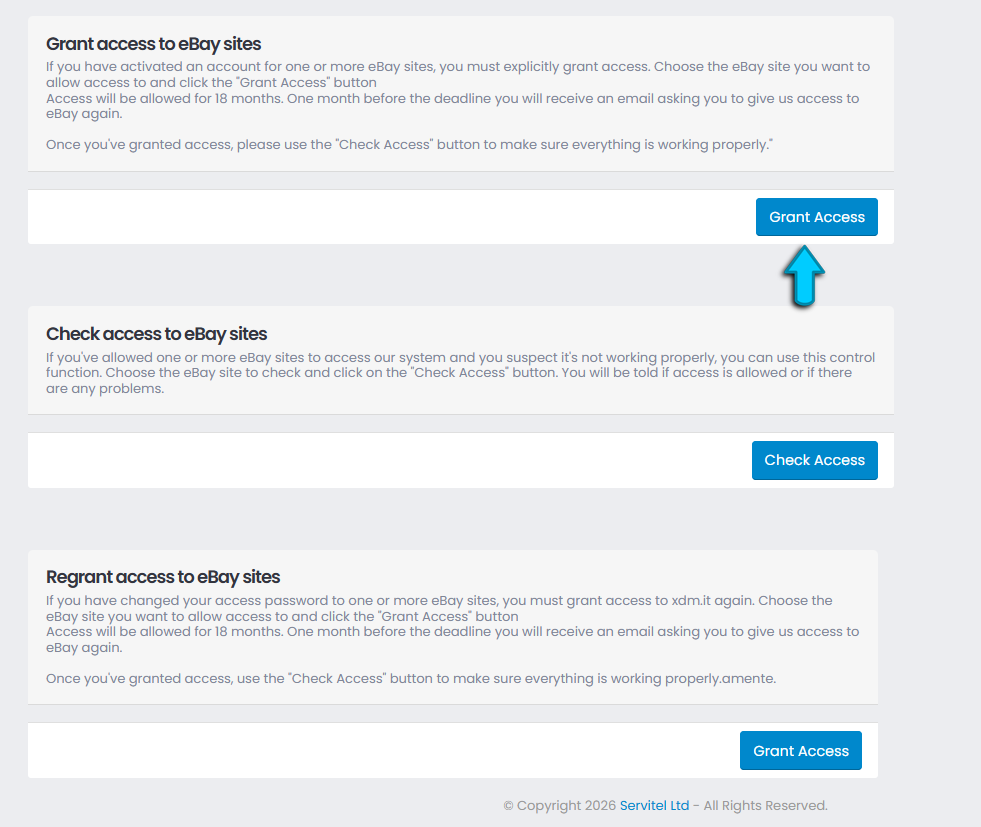
We recommend checking that everything went well by clicking on the "Check Access" button.
Copyright © 2021 XDM.IT Powered by Servitel Ltd